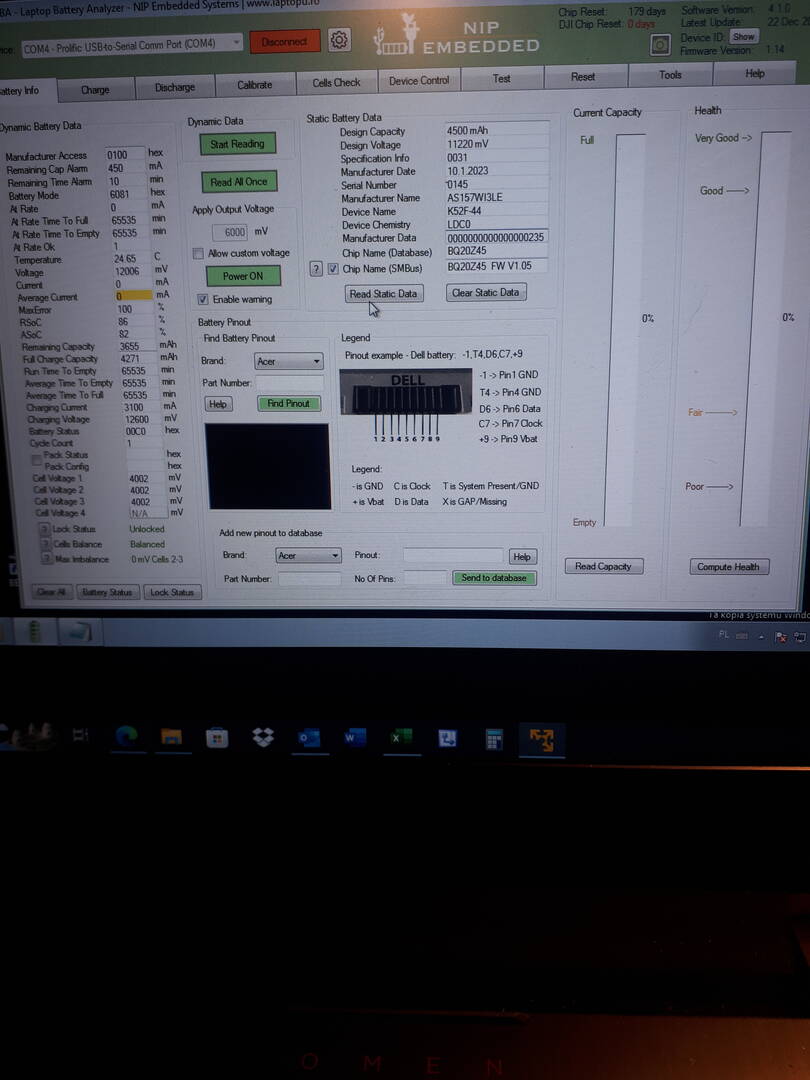
I have a problem with the battery working with the bq20z45 1.5 chipset. After replacing the cells with the new ICR18650-22F, charging and discharging, everything worked correctly with the settings from the old cells. I wanted to improve the capacitance to the parameters of the new cells.
The program bqEVSW00.09.59_bq20z45R1v1.05R1 changed the parameters follow your tutorial. How to Reset, Reprogram and Calibrate BQ20ZXX family chips after battery cells replacement
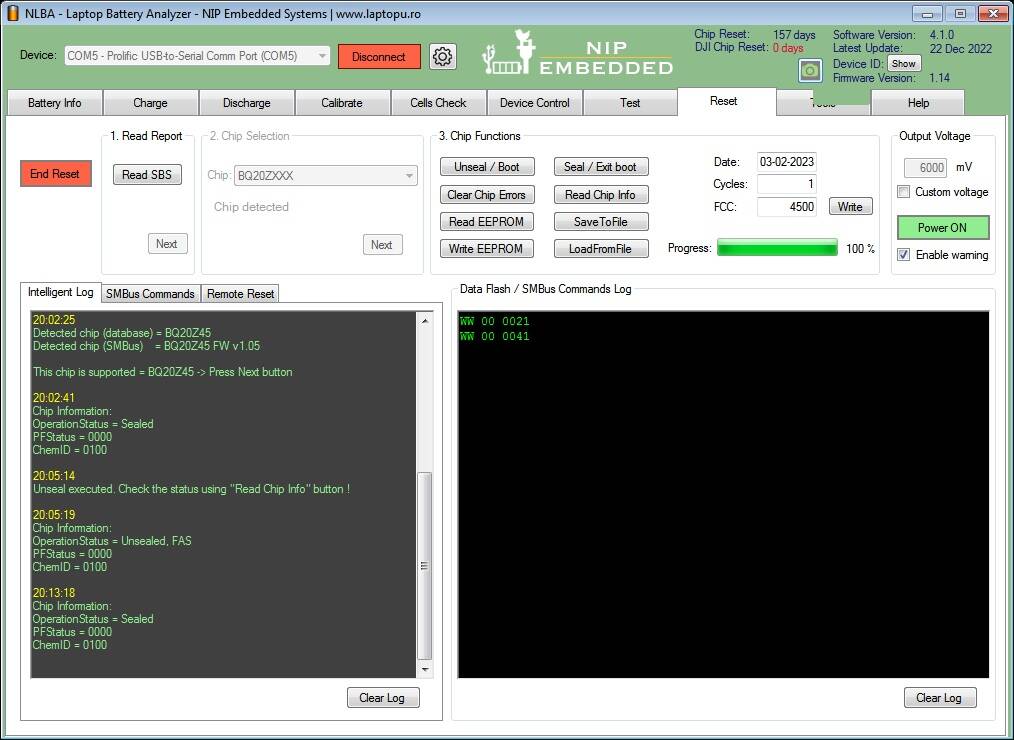
I think I did it in the right order. After the changes, FET was turned off. After activating SMUBus commands 46 x 0006 in your program, FET has turned on. After unloading the package, I entered 00 x 0021 and waited 2 hours. When trying to charge on the charging tab, I did not see that the charging current appeared. I tried to reset the chip in the Reset option of your program in the following order, after unsealing the chip in SMBus commadns I typed again 46 x 0006.
Before programming, I made a dump of chip parameters in the bqEVSW program and after.
I noticed that the Status update is 00 all the time.
I attach files with packet loading logs and parameter peaks before and after changes.
Dont use smartphone to take a pictures. Its difficult to read anything there. Use dedicated snapshot button of Nlba1 gui or Alt-PrntScreen buttons and Paint editor to make proper pictures.
To fix your issue Unseal the chip, then Enter this commands
- Register 0x00 WriteWord 0x0021
- Register 0x00 WriteWord 0x0041
Then paste pictures from bqEVSW and Nlba1 BatInfo and Charge Tabs.
I'm sorry I didn't write for so long because I inadvertently burned the EV2400 interface. I was able to fix it a week ago. I executed the commands you gave in various variants with the chip sealed and unsealed. Each time the effect was the same, i.e. no information about the charging current even though the logic was unlocked.
I think I know what caused the confusion in the battery logic. Using bqevsw using the bqEASY section, I ignored the message: "Cell Obsolete (Do not use) Failed to add to chemistry selection table. When I tried to save the appropriate ID, I received the message "USB Timeout! Please check connection, For DFI read problem, verify device was never sealed". Other features of this program work fine with the battery.
I read on the forum TI.com that someone had a similar problem and had to get version bqevsw 09.0.90 because it well supported the function bqEASY. Unfortunately, I did not find this version on the TI website. I will try to write to them about this.
You have been asked to make simple things and paste a pictures. Instead, you continue improvisation. Sorry, but if customers ask for support and not follow our advices we could not resolve your issue.
This website uses cookies to improve your experience. We'll assume you're ok with this, but you can opt-out if you wish. Cookie settingsACCEPT
Cookies Policy
Privacy Overview
This website uses cookies to improve your experience while you navigate through the website. Out of these cookies, the cookies that are categorized as necessary are stored on your browser as they are essential for the working of basic functionalities of the website. We also use third-party cookies that help us analyze and understand how you use this website. These cookies will be stored in your browser only with your consent. You also have the option to opt-out of these cookies. But opting out of some of these cookies may have an effect on your browsing experience.
Necessary cookies are absolutely essential for the website to function properly. This category only includes cookies that ensures basic functionalities and security features of the website. These cookies do not store any personal information.
Any cookies that may not be particularly necessary for the website to function and is used specifically to collect user personal data via analytics, ads, other embedded contents are termed as non-necessary cookies. It is mandatory to procure user consent prior to running these cookies on your website.