

LENOVO X220 BATTERY I CHANGED THE CELLS, IT DOES NOT WAKE UP
AFTER I REMOVED THE CELLS, HE IS NOT COMMUNICING ANYMORE.

Press Power On button to wake up the chip.
p.s.
- topic title should contain chip name too
- stop using CAPSLOCK
bq 8030a chip
I m very sorry
Power On button ok but same eror

Post a picture with wiring to the battery and a picture with the cells and PCB.
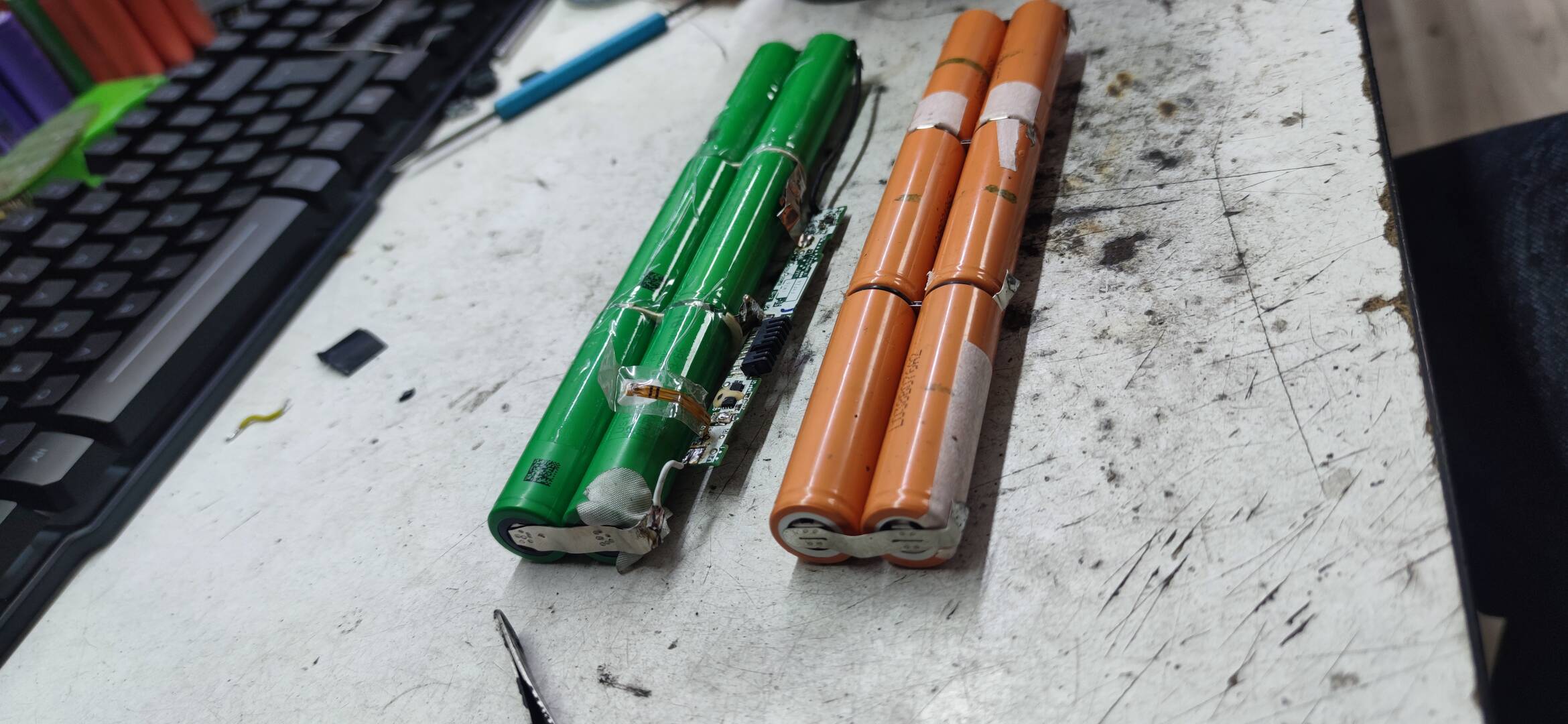
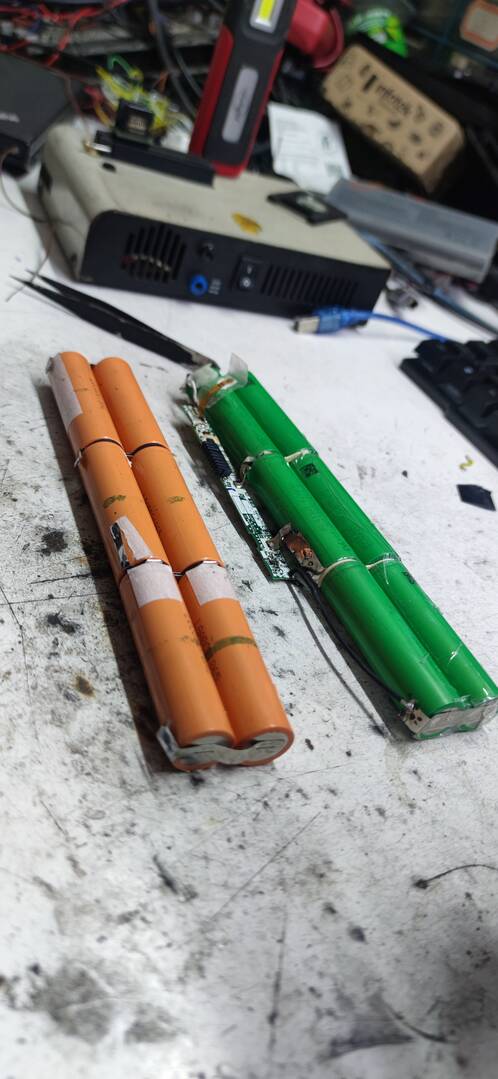
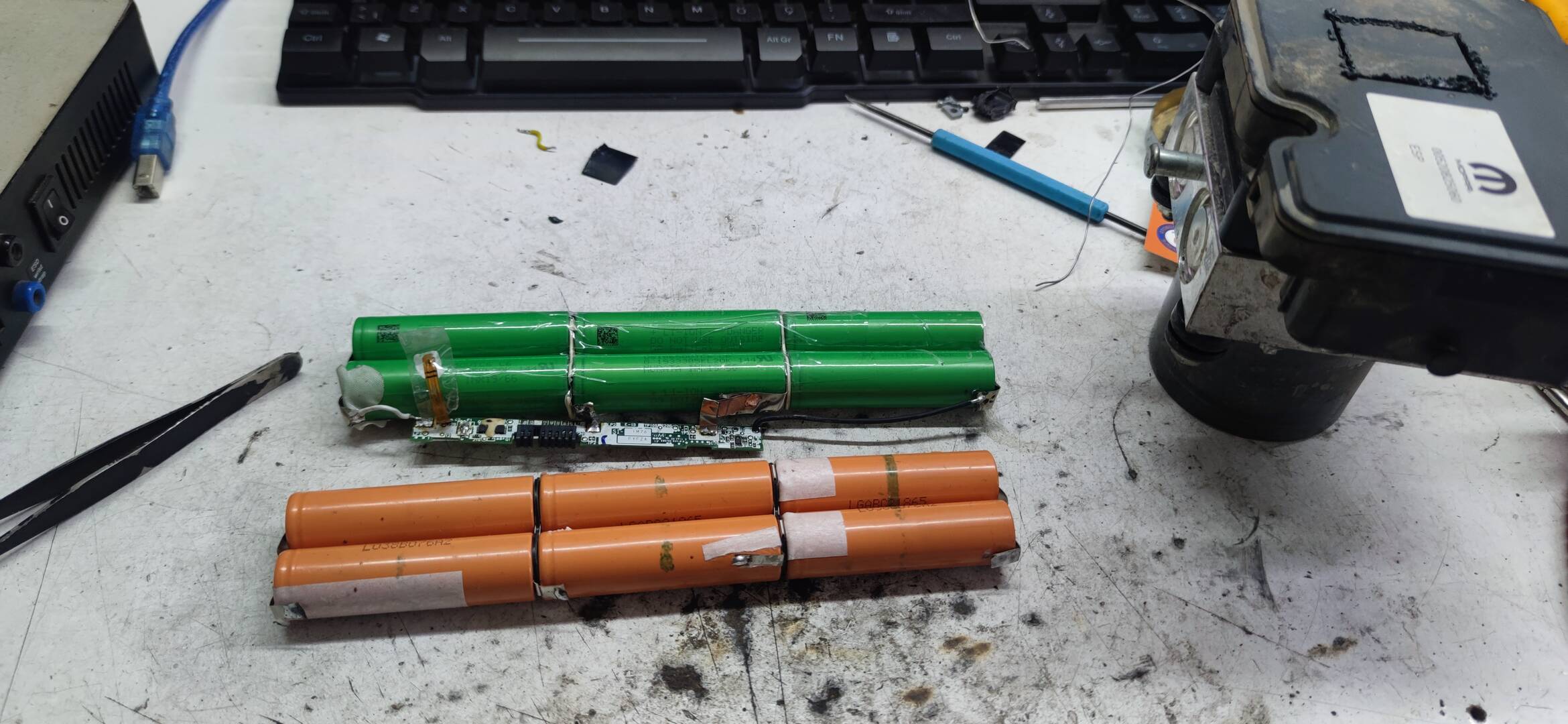
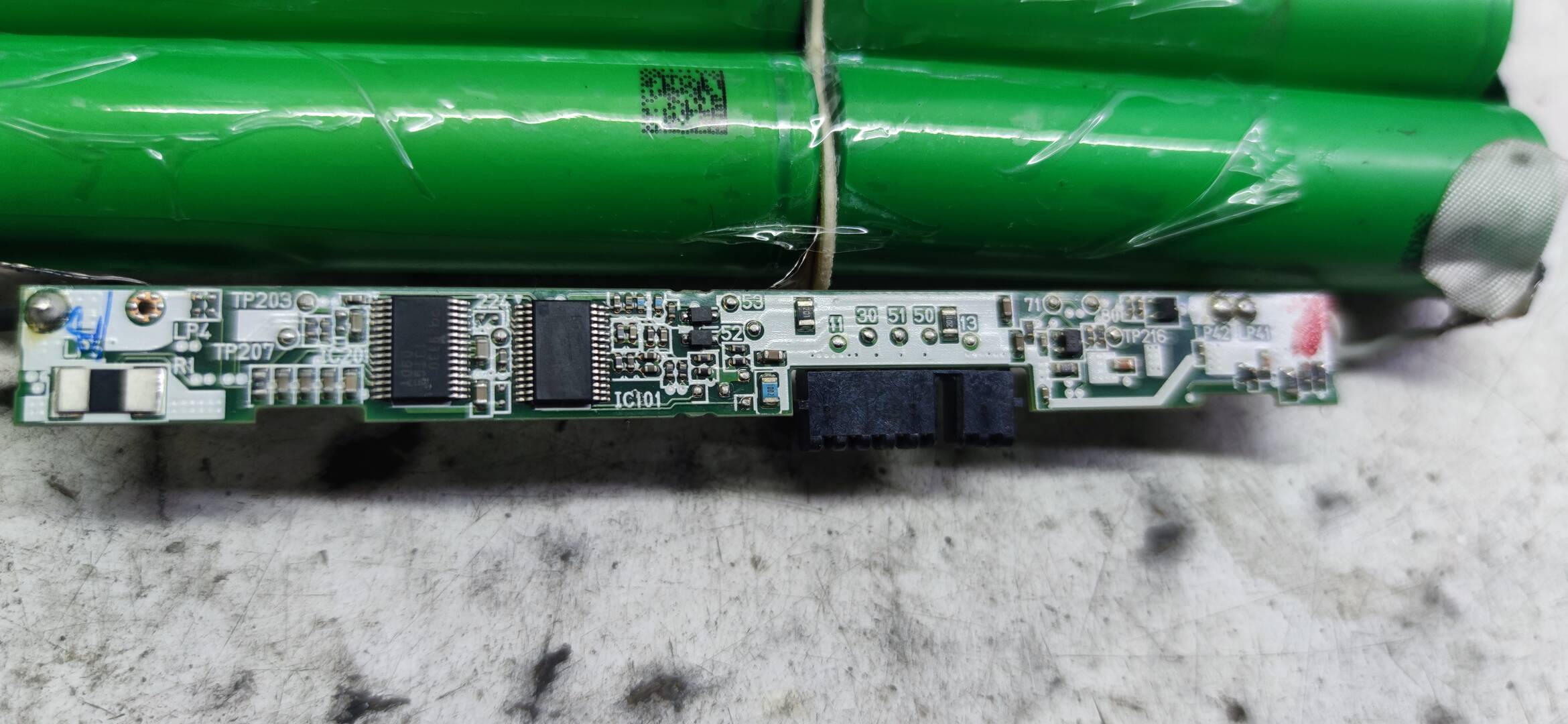
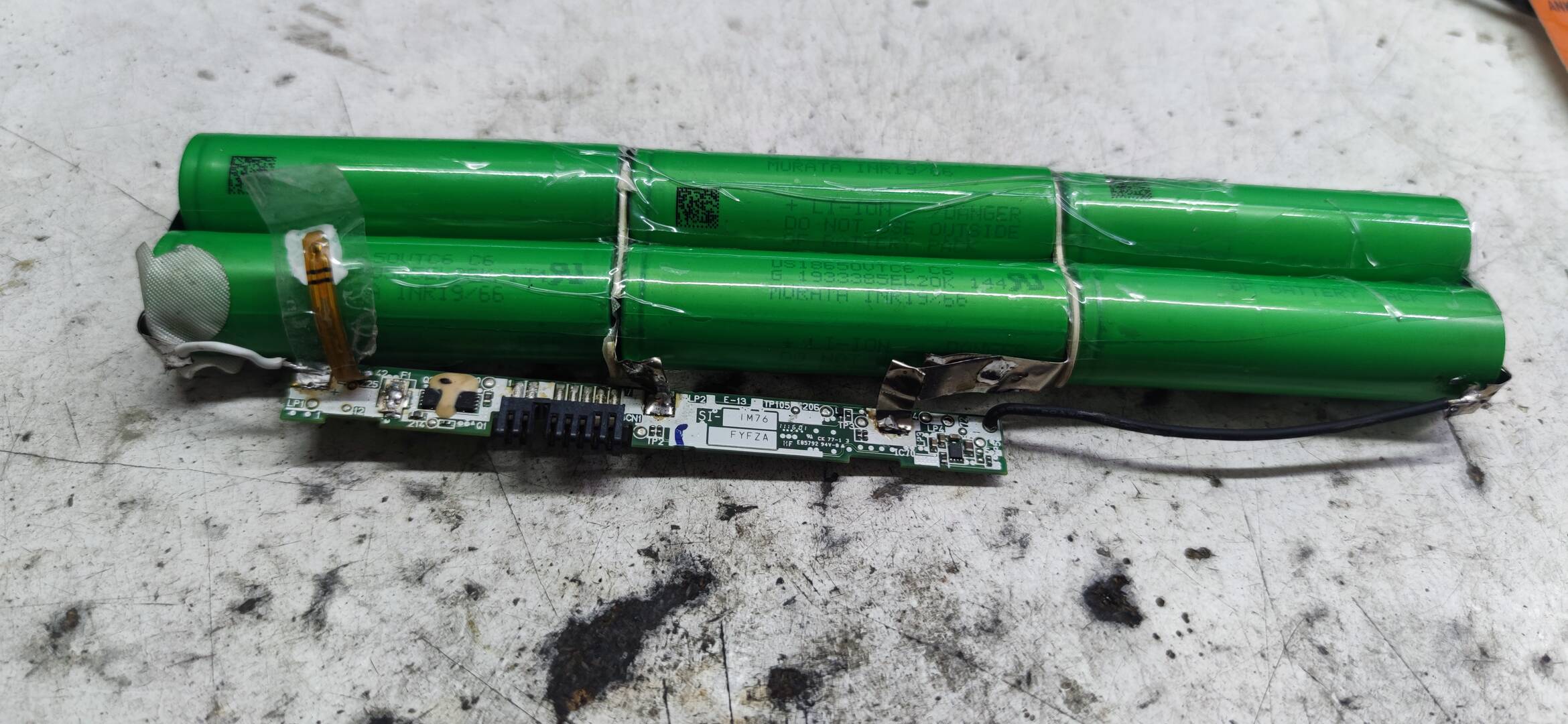
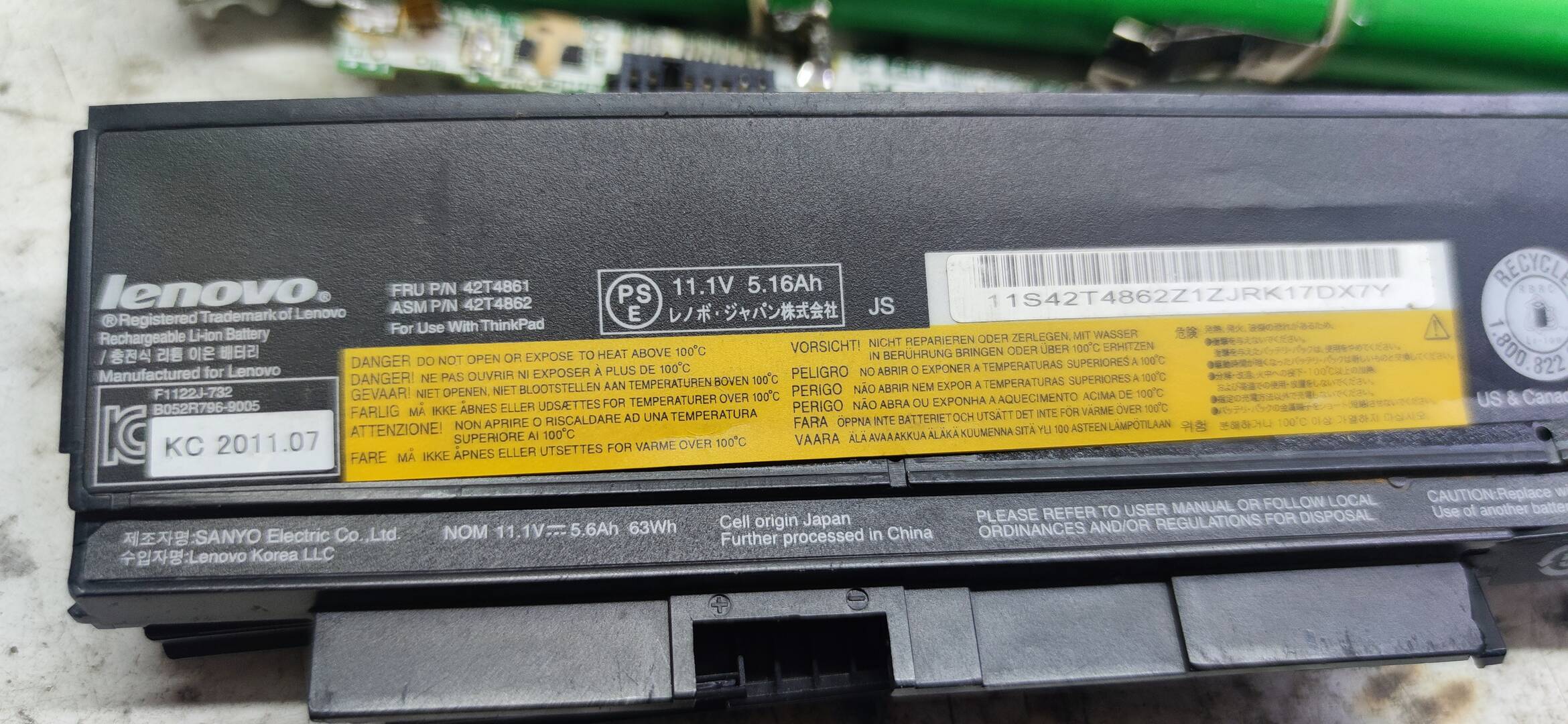
Battery is not connected to device. So no communication.
Connect the battery to device following pinout.
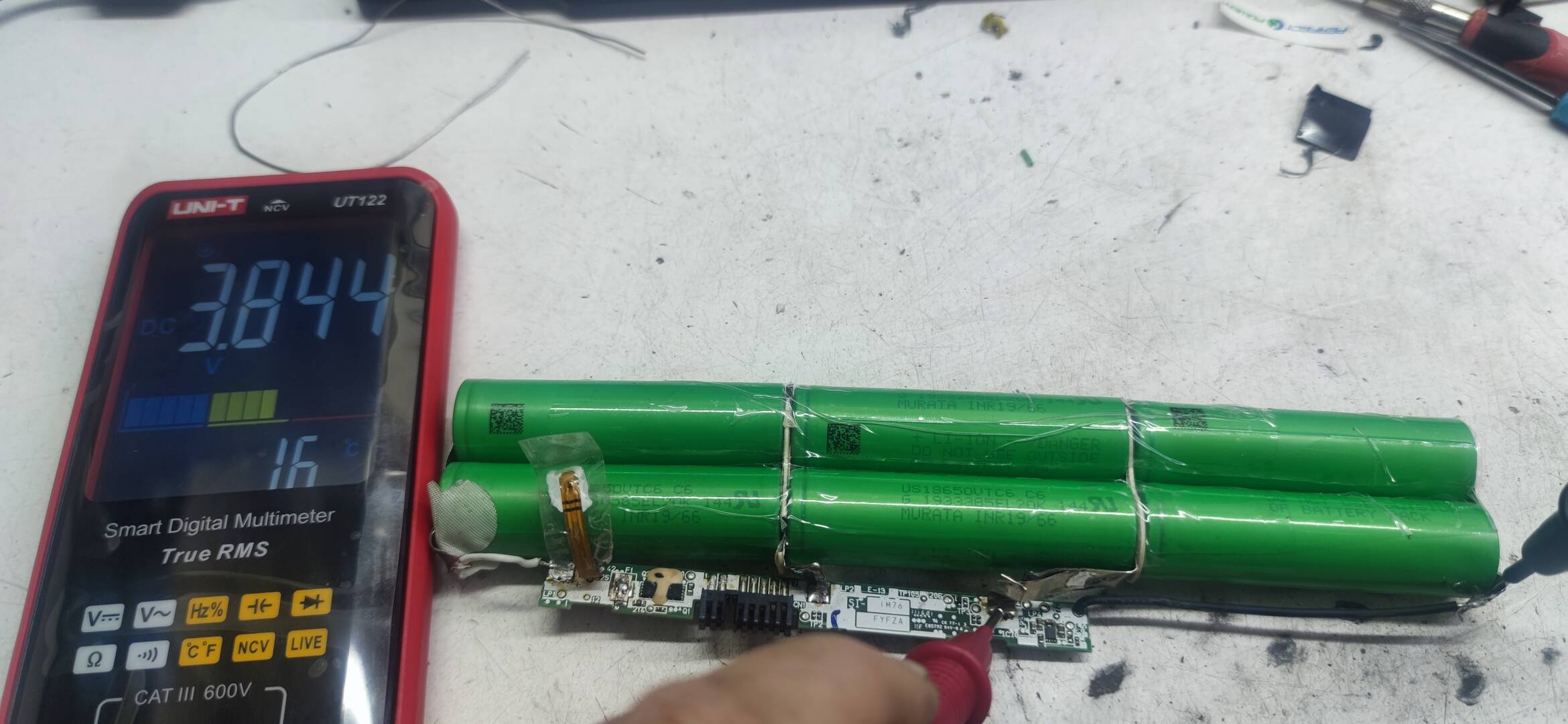
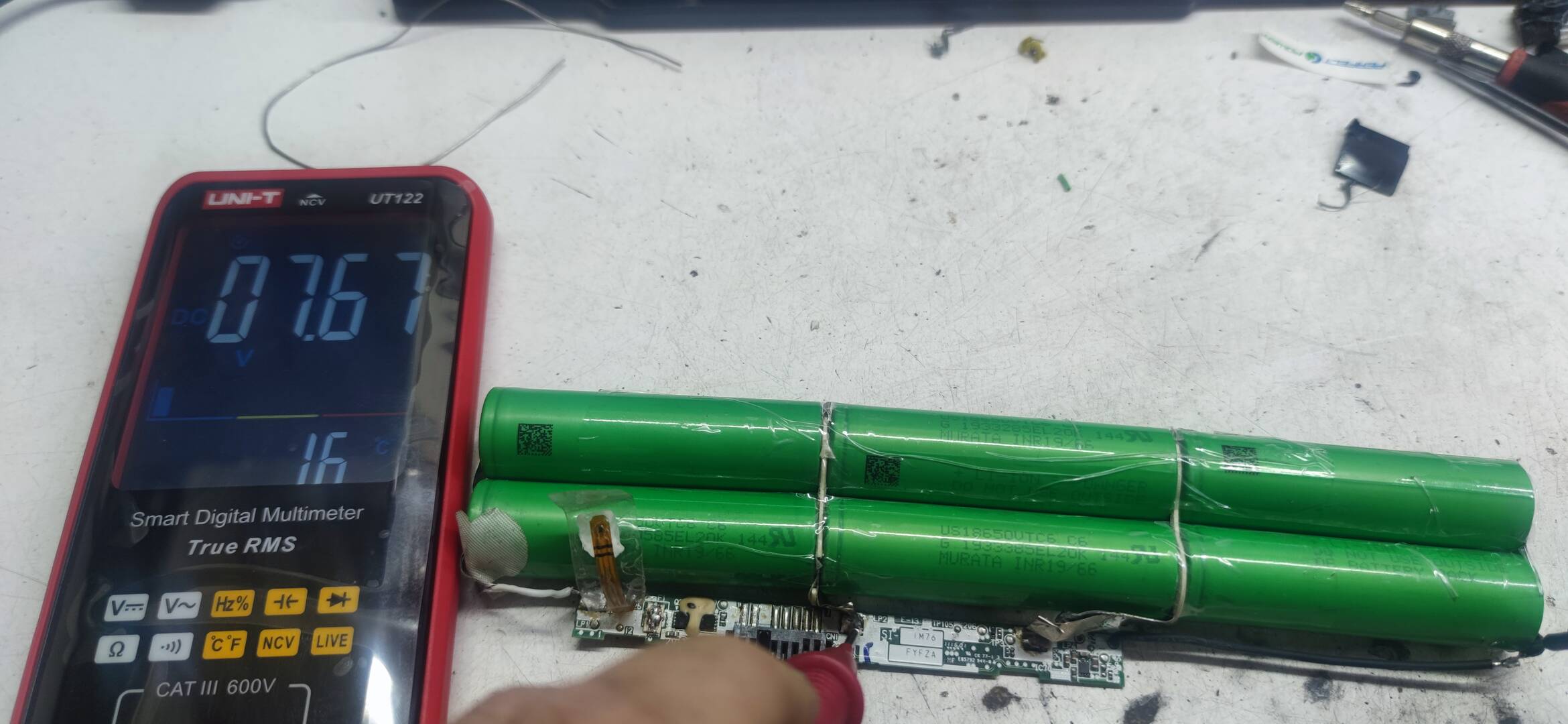
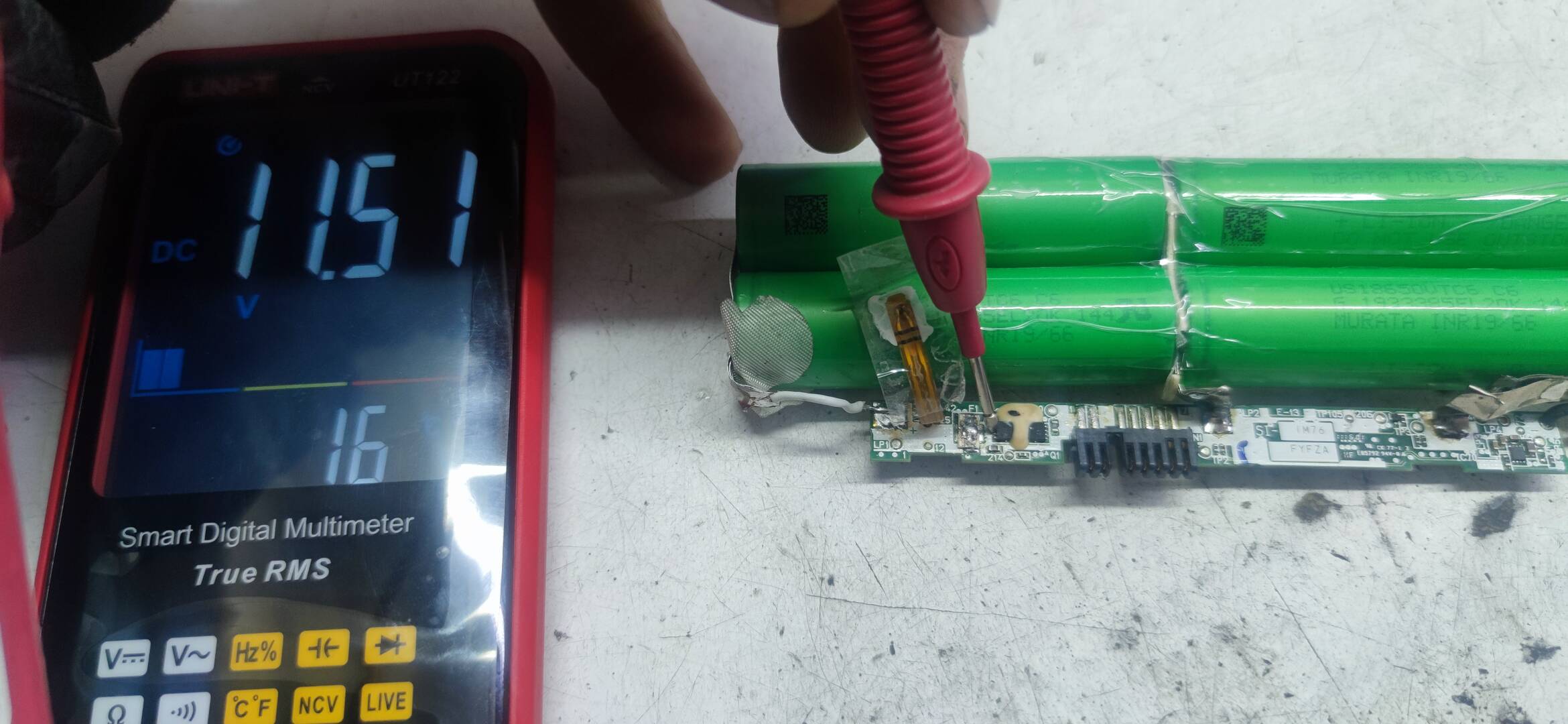
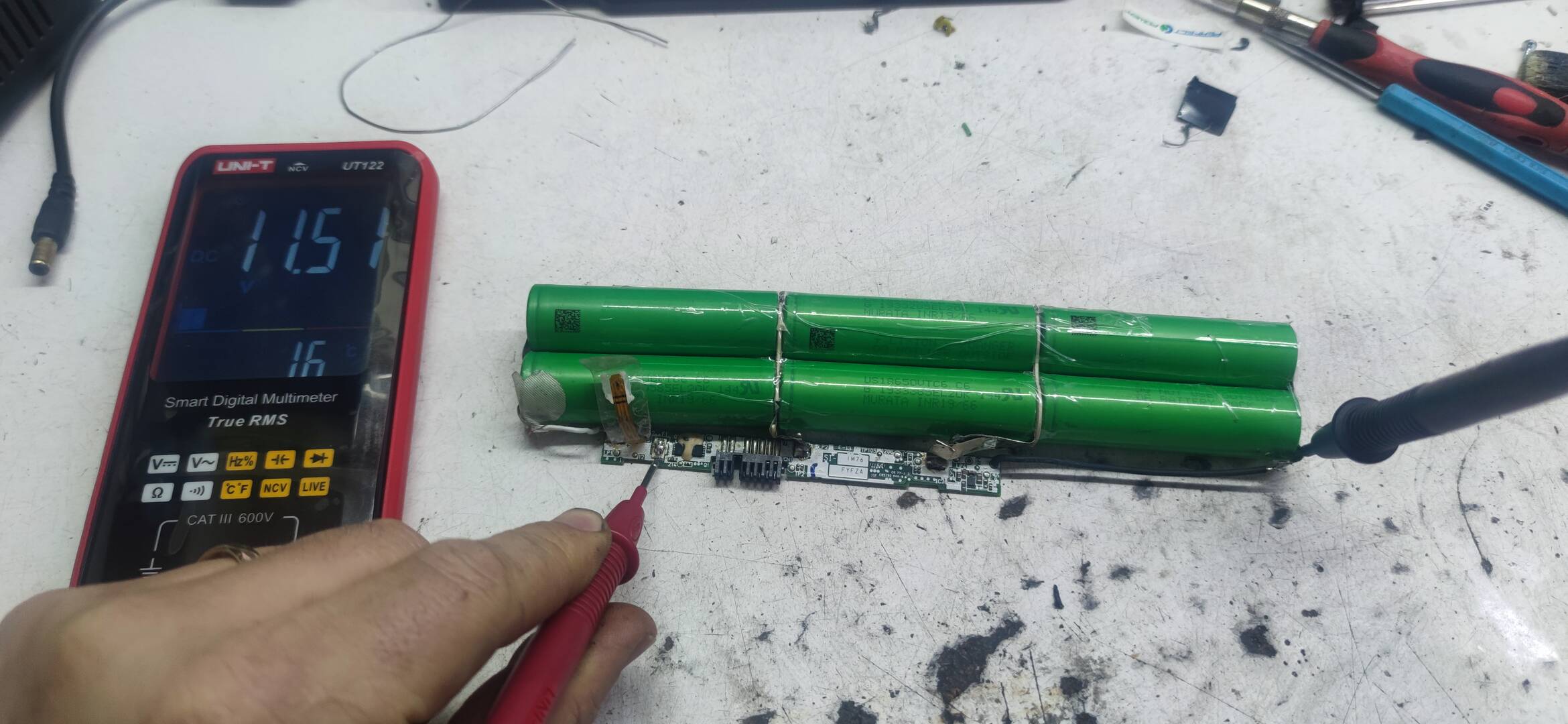
We cannot help you if you don't follow our instructions.
I don't see any NLBAs in your pictures, the battery is not connected.
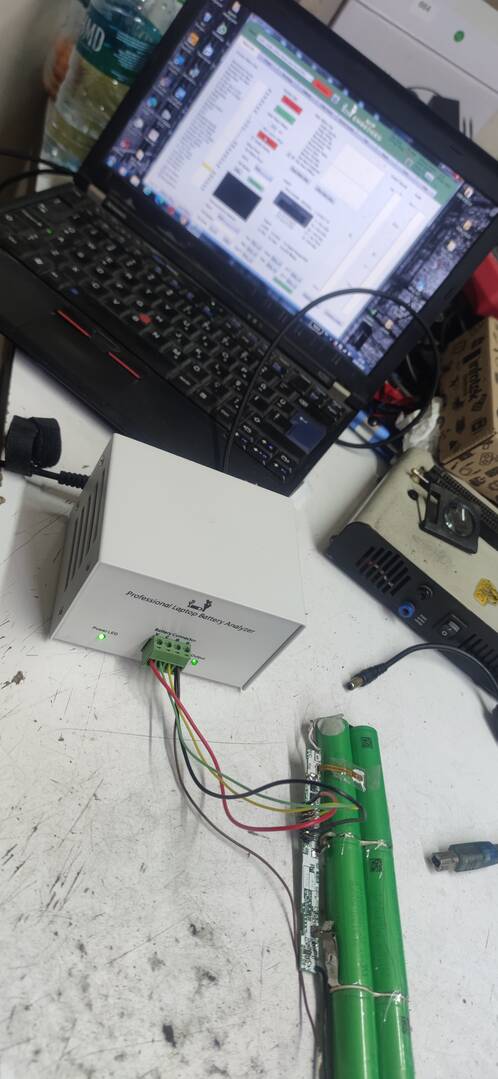
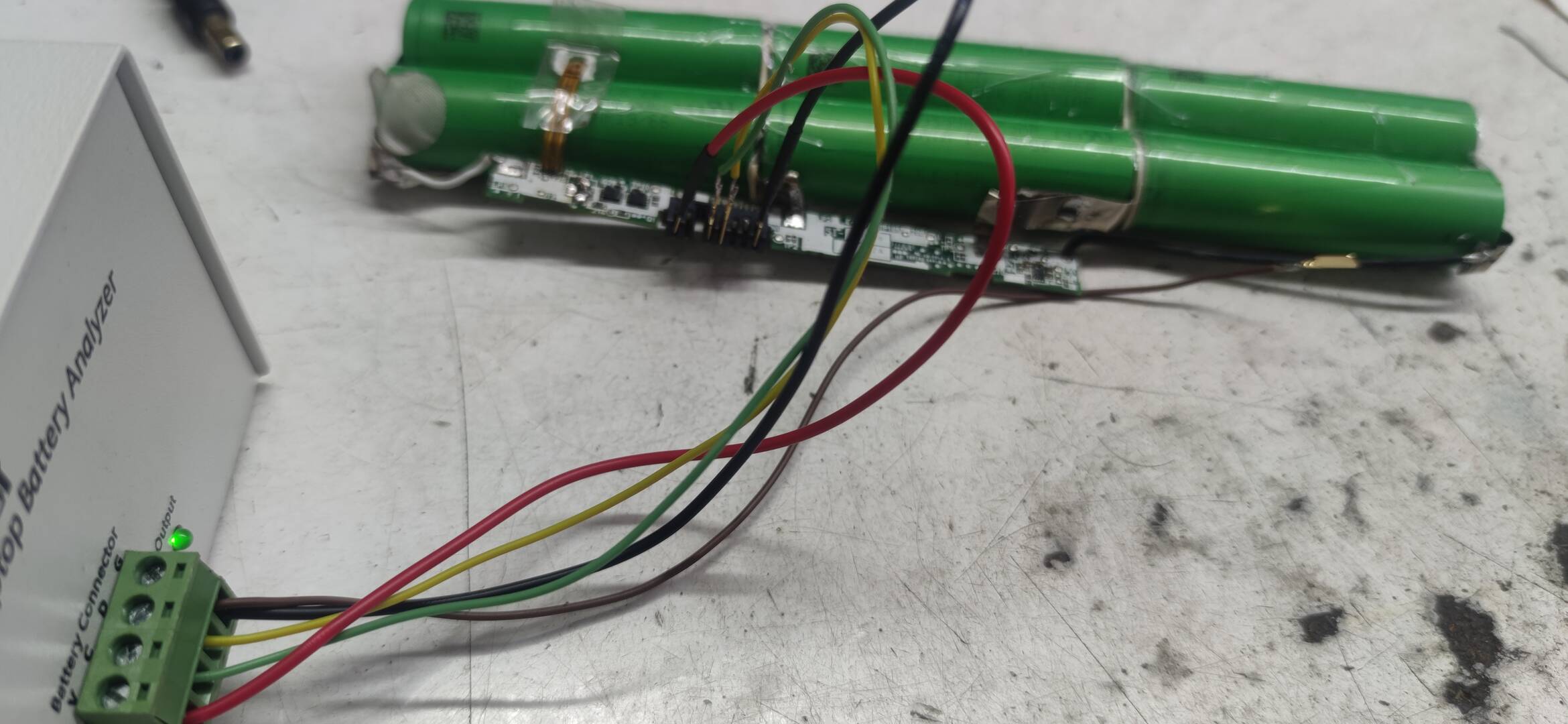
Check the fuse: https://www.laptopu.ro/community/how-to-reset-and-repair-laptop-battery-tutorial/battery-fuse-replacement/
If the fuse is fine, cells are correctly welded and soldered to the PCB, chip errors cleared then there is nothing else to do from our side.
You can try to attach a picture from the Reset menu to see if you follow the correct reset sequence.
Latest Post: pinouts for hp CC03XL BATTRY Our newest member: Smandeson11 Recent Posts Unread Posts
